Frequently Asked Questions
Why is the window not responding?
This is normal if you have a large amount of comments that match the blacklist that hasn’t been deleted yet. If any dialog pops up asking if you want to close it, choose no/wait. It should finish within 2 seconds-2 minutes. If you’re wondering why the window’s not responding, it’s because there’s a bug where while CDR is busy deleting/processing comments, it’s not processing window events which causes it to be marked as not responding. It is in fact responding in the background, it’s just the GUI that isn’t responding.
Can I use this to delete past comments?
Yes, if you would like it to go back and delete all of your comments, set the limit to None then let it run 3-10 times (You can skip the wait by pressing the check now button in the options’ menu).
I messed up something in the configuration settings, and now it won’t start/is crashing, what should I do?
Try to look at the error and correct it by editing config.json or praw.ini by yourself (see Where are the config and data files located?). If the error cannot be resolved by yourself, delete the config.json and/or praw.ini files, then run ClaimDoneRemover.pyw. The program will re-create the files, and you’ll be good to go.
Note
If you do end up deleting the files, you will have to re-setup the program.
How do I update CDR?
Unless otherwise noted in the release’s release notes, all you have to do is extract CDR to the folder it was originally installed in and replace the original files.
I’m getting bad request when attempting to get a refresh token
If you see this:
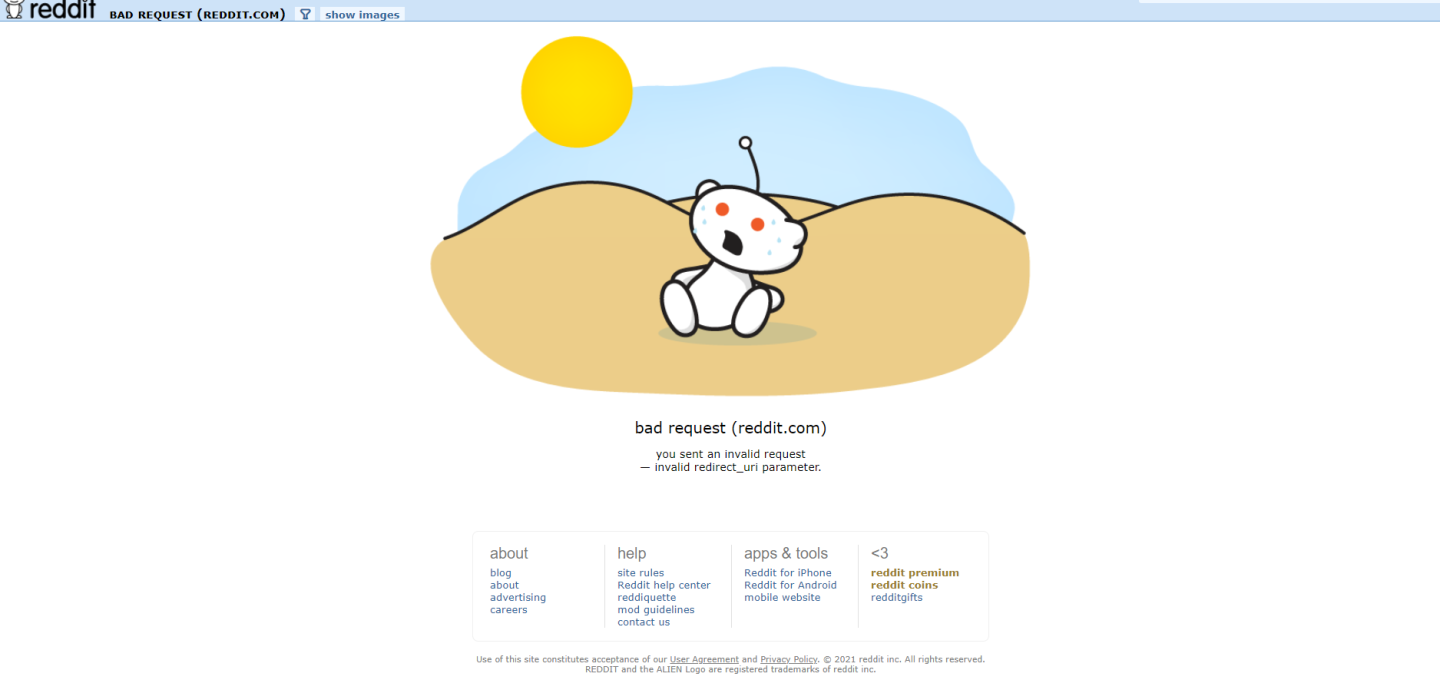
then double check that the redirect uri parameter is setup correctly in your app. You can do say by going to the the reddit application settings page and then scrolling down to developed applications and clicking edit on the box that’s named Claim Done Remover (or whatever you set the name as). After clicking that, check that redirect_uri is equal to EXACTLY http://localhost:9575, if not, then change it, click update app, then try again. If it is, then contact me.
Where are the config and data files located?
You can open the folder automatically by opening CDR, going into the options’ menu, and clicking Open Data Folder. However, if you for some reason can’t do that or have another reason not to, the folders are located in the following paths (different depending on the platform).
Windows
C:/Users/your_username/AppData/Roaming/ClaimDoneRemover
Linux
/home/your_username/.config/ClaimDoneRemover
MacOS
/home/your_username/.config/ClaimDoneRemover
Note
There is no official MacOS support, this isn’t certain and no help will be provided for MacOS.
Can I see progress and planned features for this project?
Sure, there’s a public GitKraken board
Where can I contact the developer?
If you want to report an issue with CDR you can open a bug report, otherwise you can email me at contact@theodorehua.dev.